
 PCCTools for Autodesk Revit
Point-cloud tools
built for Revit
Isolate linked scans with reversible quick crops, convert them into editable native Revit section boxes, create sections and slices, change point-cloud styles, and store complete working views inside the RVT model.
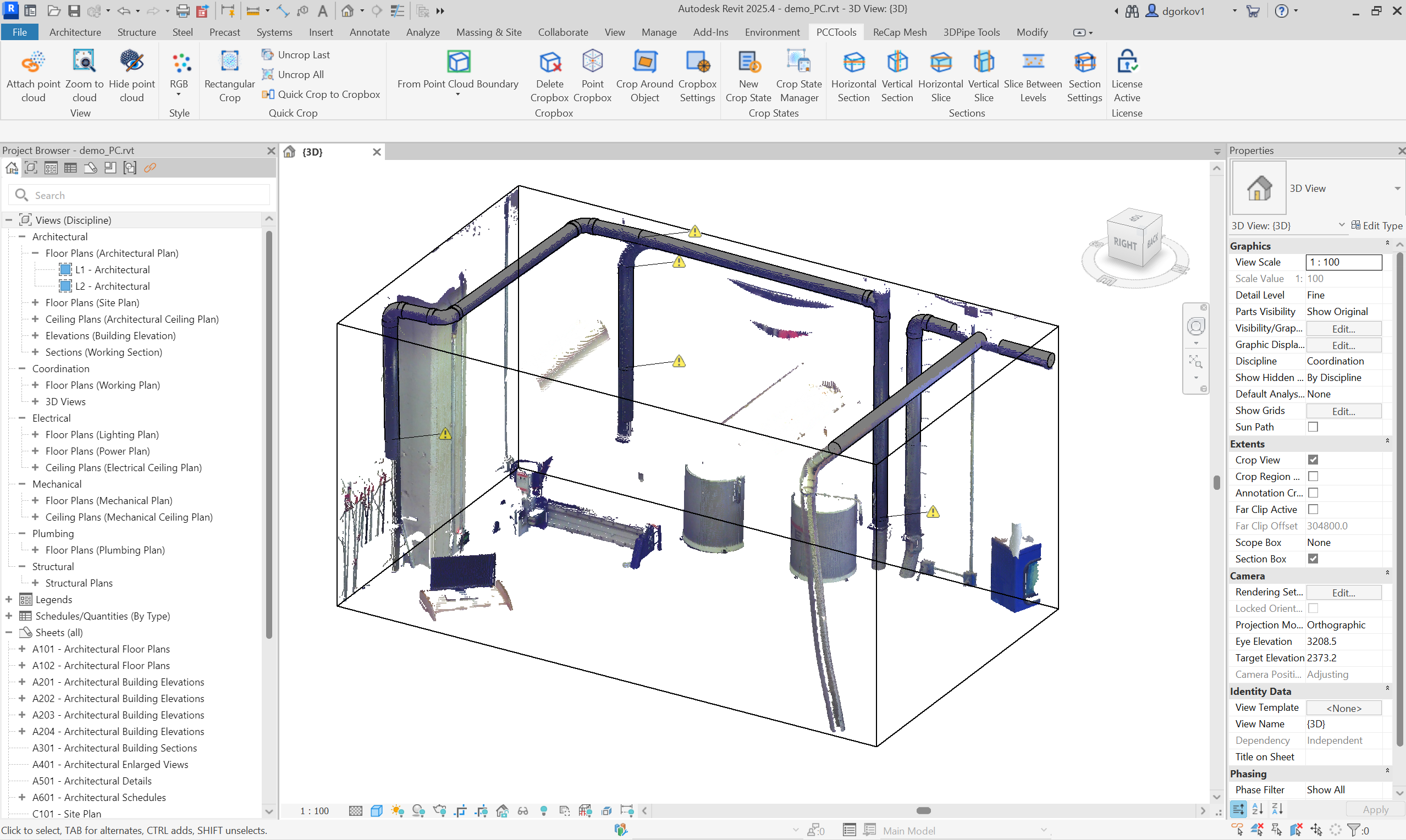
Crop the scan without leaving the model
PCCTools works with Revit views, native section boxes, levels, linked point clouds and model objects.

Reversible quick crops
Stack screen-aligned rectangle crops, undo the last crop or recover the complete cloud with Uncrop All.

Quick Hide/Show Point Cloud
Hide a linked scan when it gets in the way, then bring point-cloud visibility back instantly without digging through Revit view settings.

Editable Cropboxes
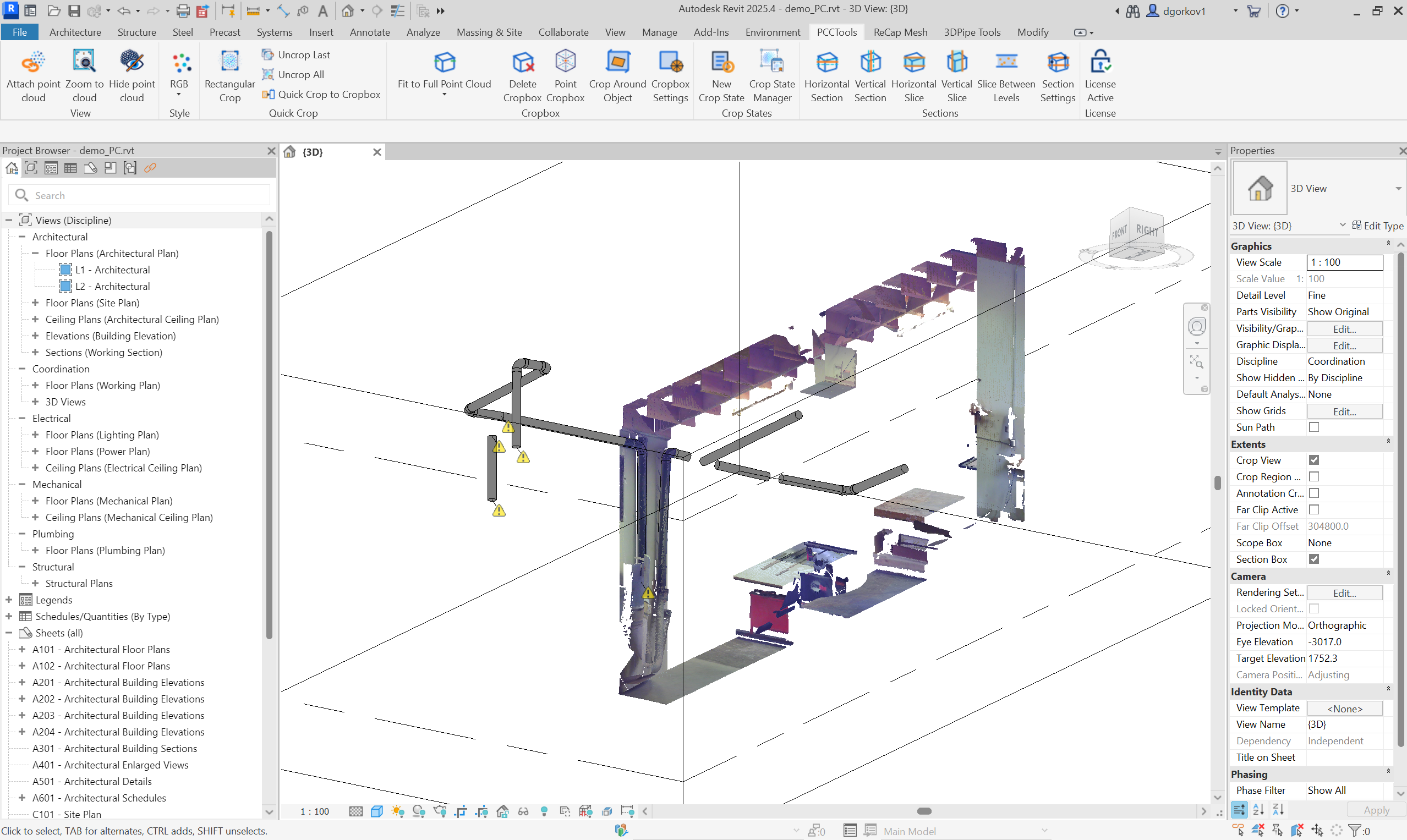
Fit the native Revit section box to the full or cropped cloud, then edit it with familiar Revit grips.

Point and object crops
Create a box around a picked scan surface or align one around a pipe, duct, beam or other model object.

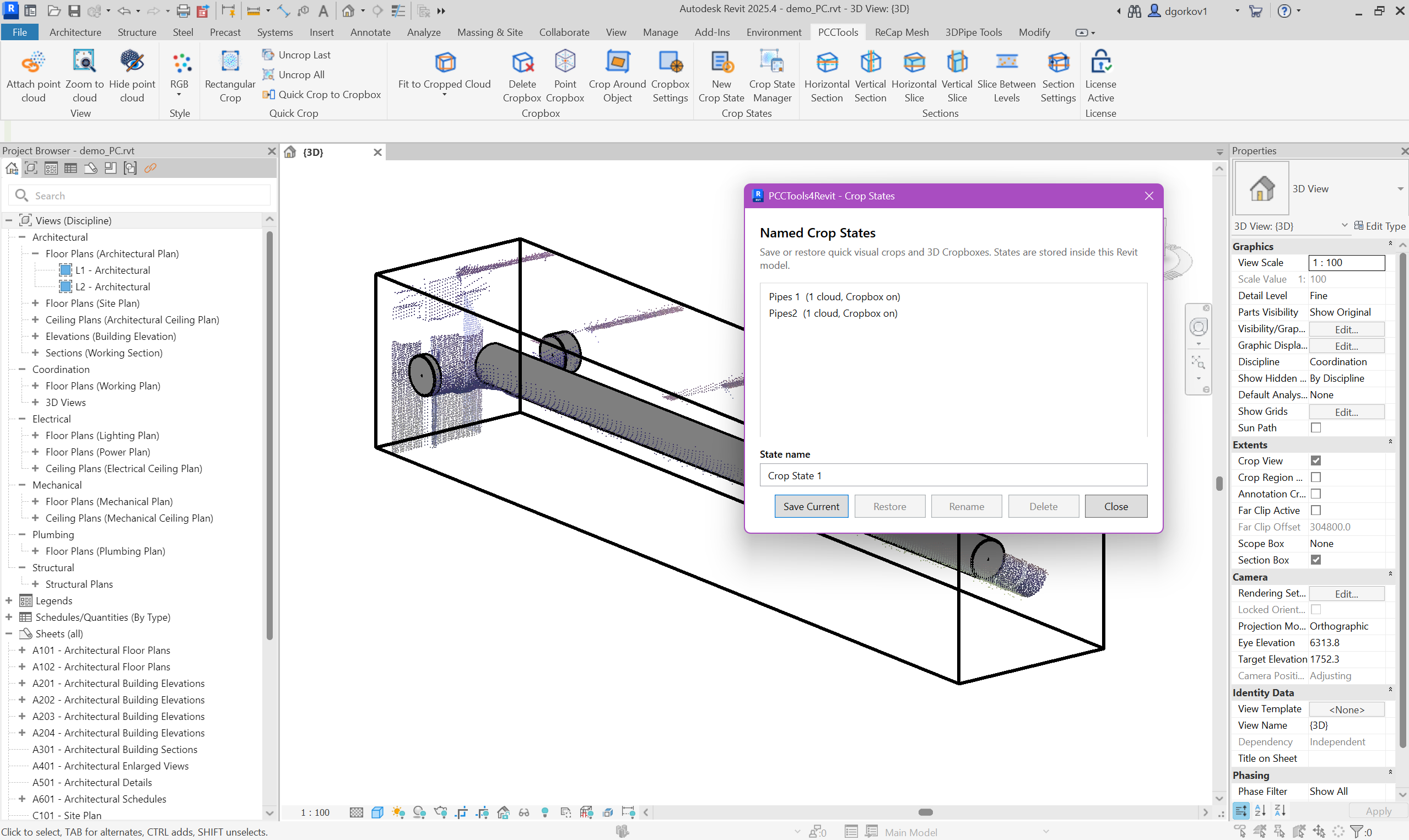
Named Crop States
Store quick-crop history and the exact Cropbox transform inside the RVT file for repeatable project views.

Sections and slices
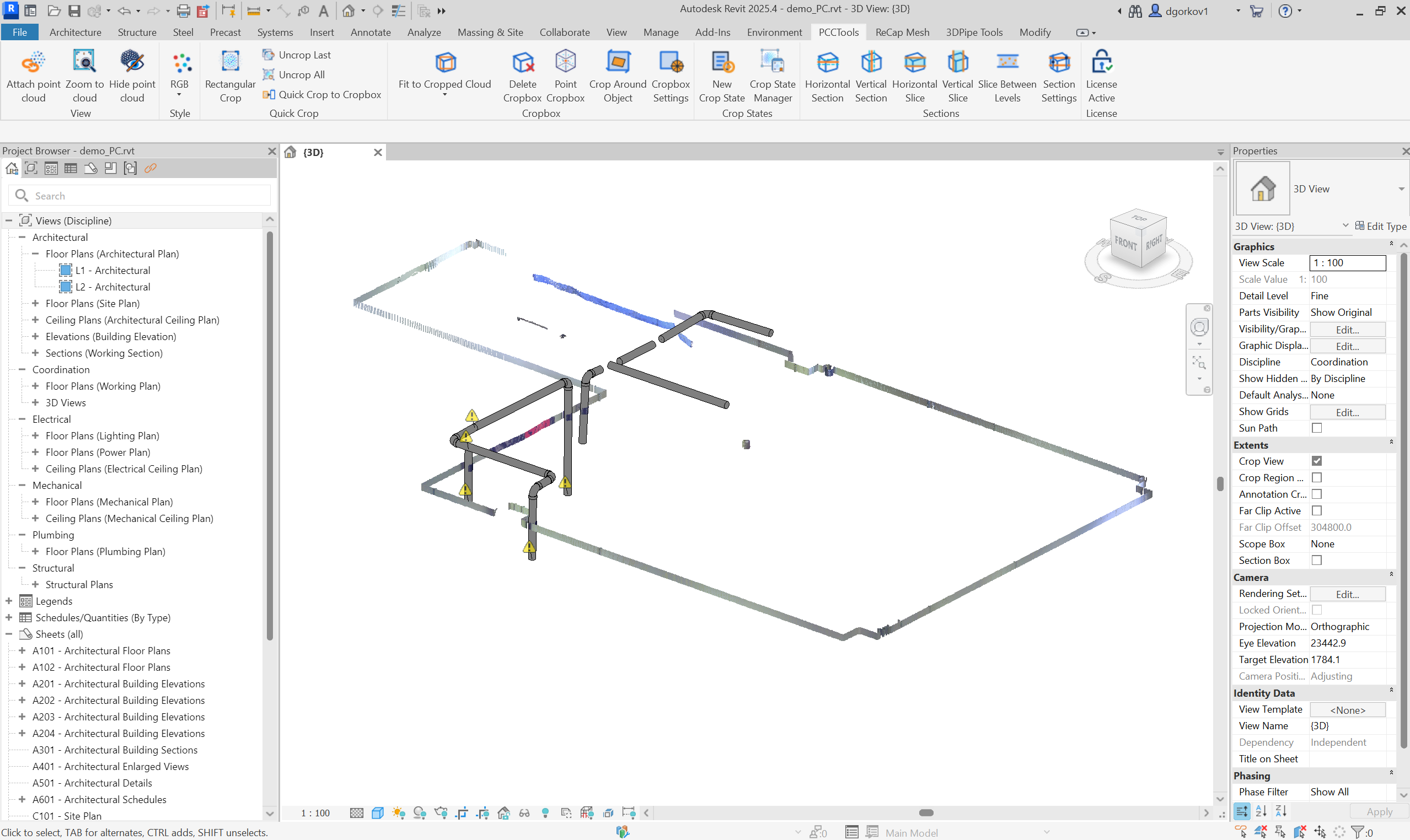
Create horizontal or vertical sections, view-oriented slices and slabs between existing Revit levels.

Point-cloud styles
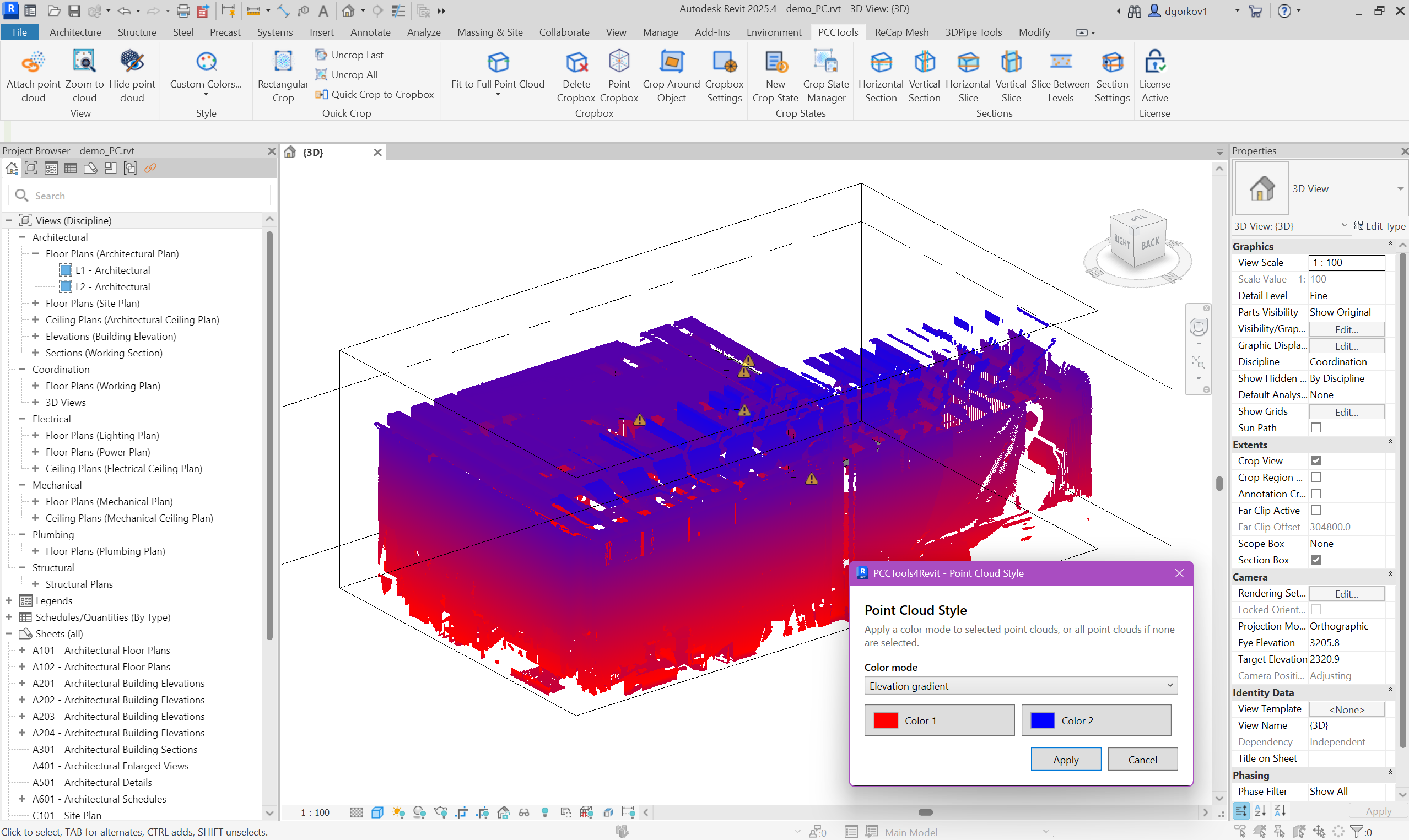
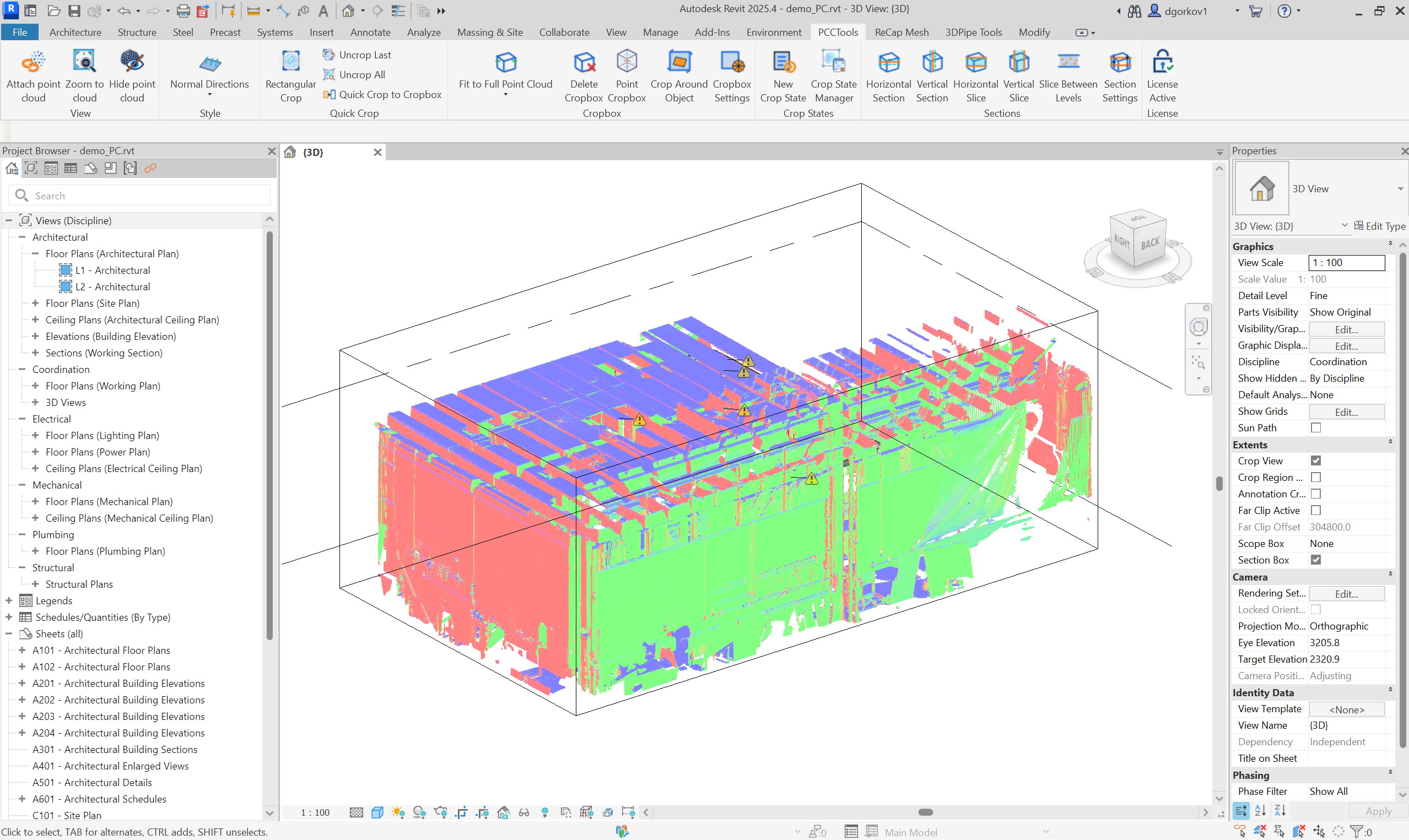
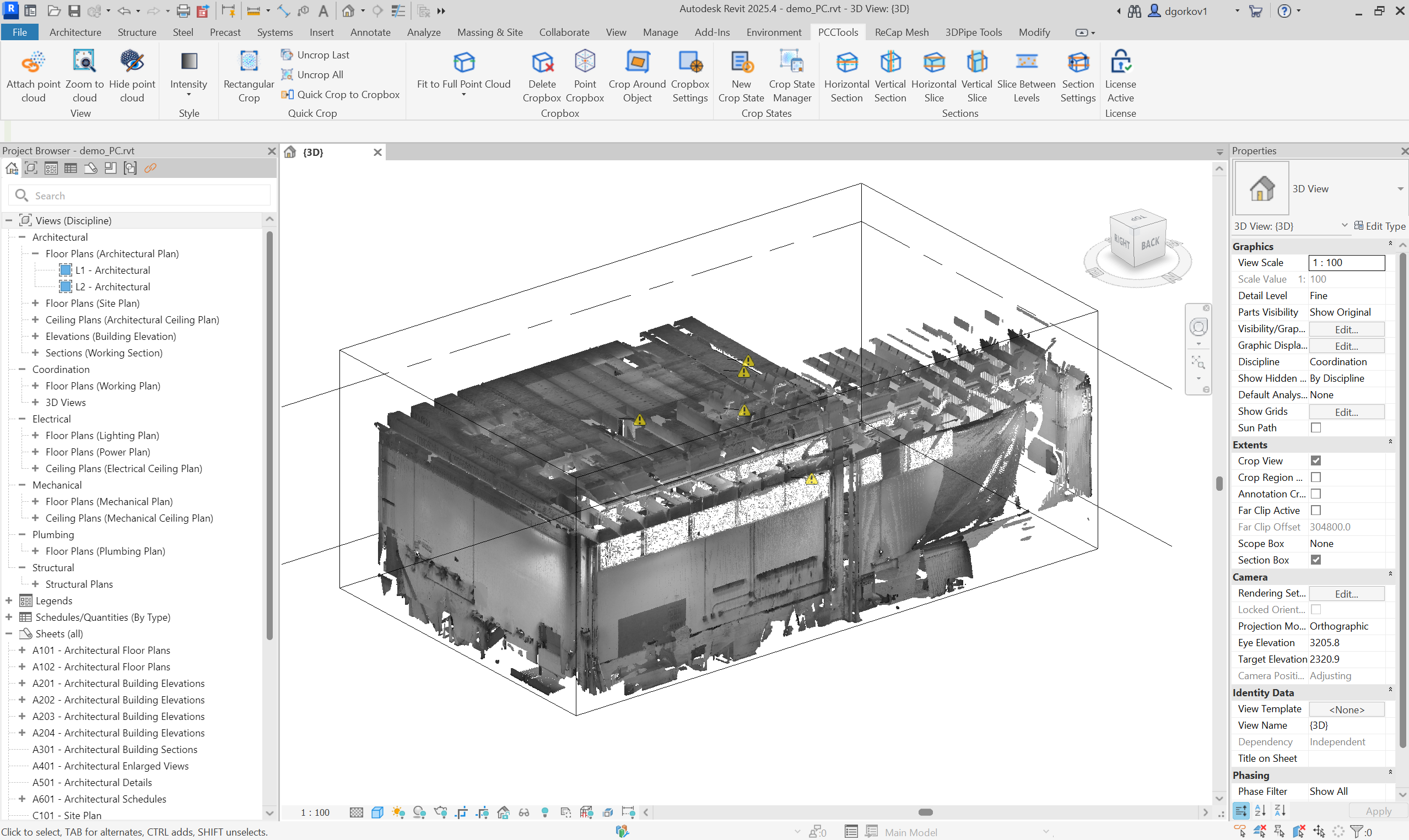
Switch between RGB, fixed colour, intensity, elevation, normal direction and custom display modes without leaving the Revit model.
Two tools for two different jobs
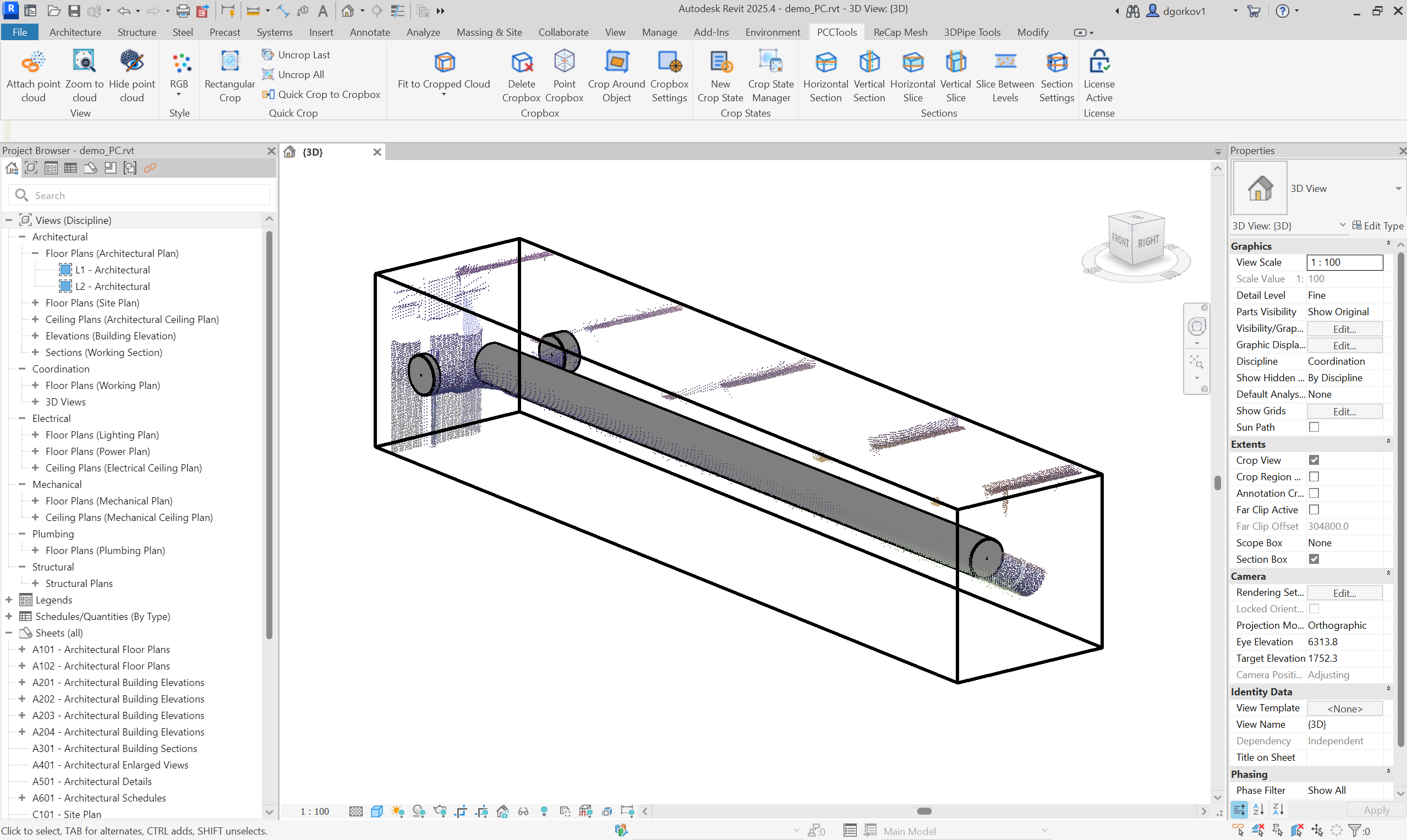 Crop around object
PCCTools for Revit screenshots
Learn the complete workflow
Revit guideQuick Crop and Cropbox workflows
Understand the two crop systems and convert a filtered scan into an editable section box.
Read guide Revit guideCrop around scan points and objects
Create focused Cropboxes from a visible scan surface or selected Revit element.
Read guide Revit guideSave and restore named crop states
Store repeatable scan views, quick crops and Cropbox geometry inside the RVT model.
Read guide Revit guideCreate point-cloud sections and slices
Build horizontal and vertical sections, view-oriented slices and level-based slabs.
Read guideChoose this plugin or unlock the full suite
Pick the single-plugin plan for this workflow, or step up to the full CADTools Suite for access to the whole toolkit.
Focused access to this plugin when you only need one workflow.
- Full feature set for this plugin
- Free updates while active
- Email support
Best value when this plugin is the main tool in your production workflow.
- Everything in the monthly plan
- Lower annual cost than monthly billing
- Priority support
Add the rest of the CADTools ecosystem when your projects span several workflows.
- This plugin plus the full CADTools suite
- PCCTools, DTMTools, 3DPTools and FPTools
- One subscription for multiple use cases
The most complete option for teams moving between point clouds, terrain, BIM and modelling work.
- Full access to every CADTools plugin
- Better value than multiple single-plugin plans
- Priority support across the suite
PCCTools for Revit 0.31.4
Compatible with Autodesk Revit 2024-2027 on 64-bit Windows 10 or Windows 11.
Need help choosing?
Choose the AutoCAD or BricsCAD edition for DWG point-cloud workflows, or the Revit edition for RVT views, native section boxes, levels and model objects.