 PCCTools for BricsCAD point-cloud workflows
PCCTools v3.0 brings the current point-cloud cropping and sectioning workflow to BricsCAD 2026: editable crops, live previews, multi-sections along an axis, and dockable managers for repeatable crop states and sections.
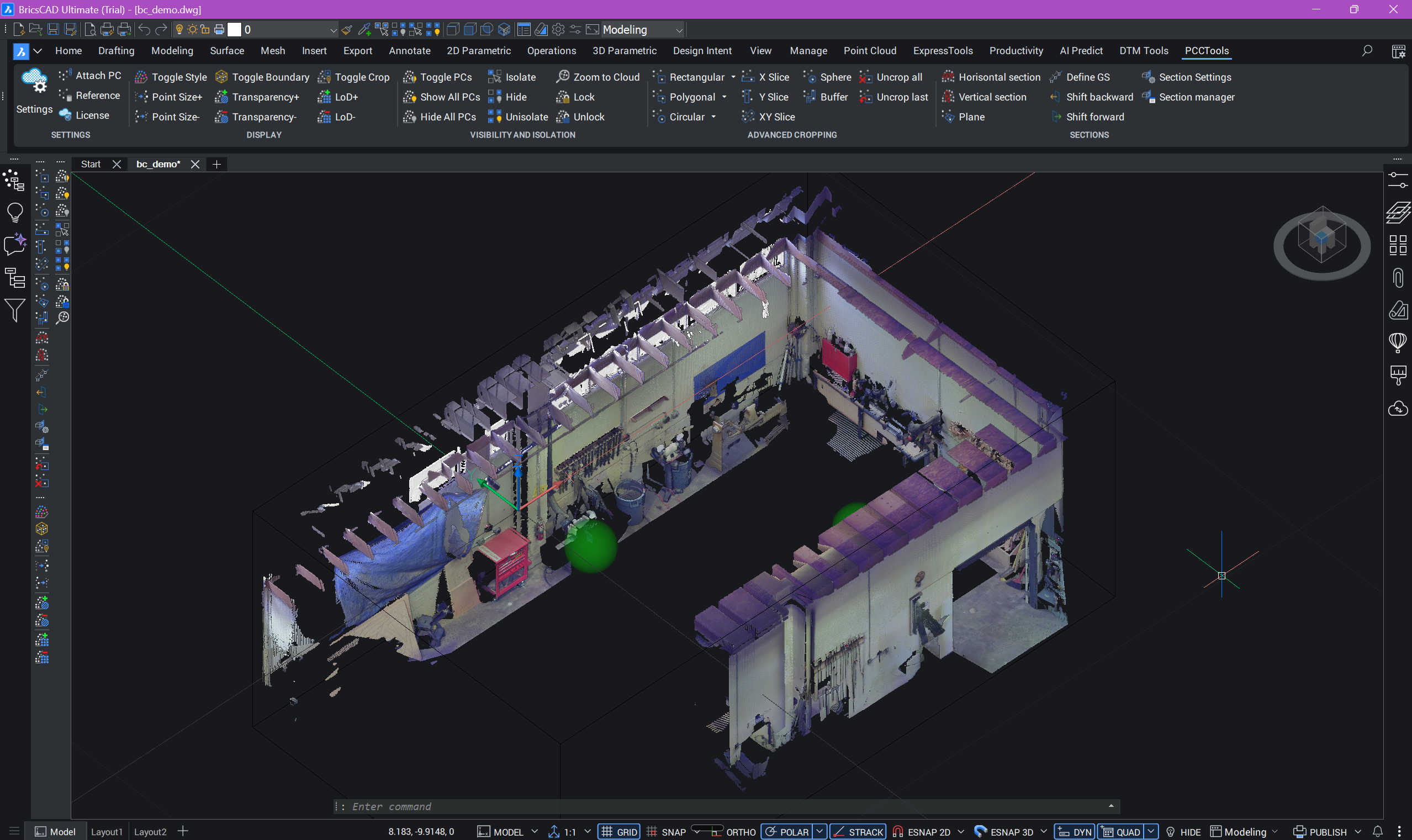
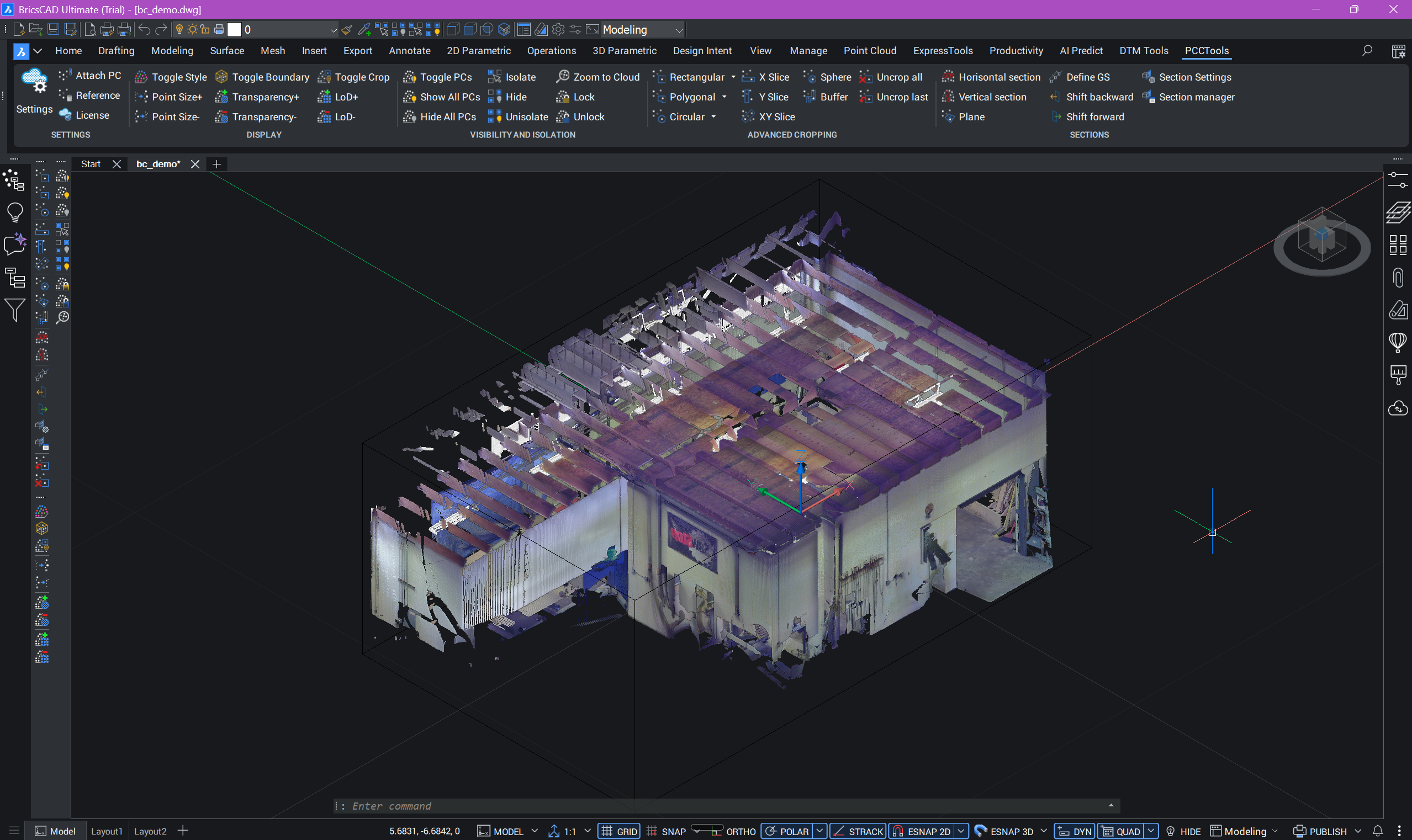
Create a transparent crop box from the cloud bounds, then drag face grips to resize it. The point-cloud crop updates as the box changes.
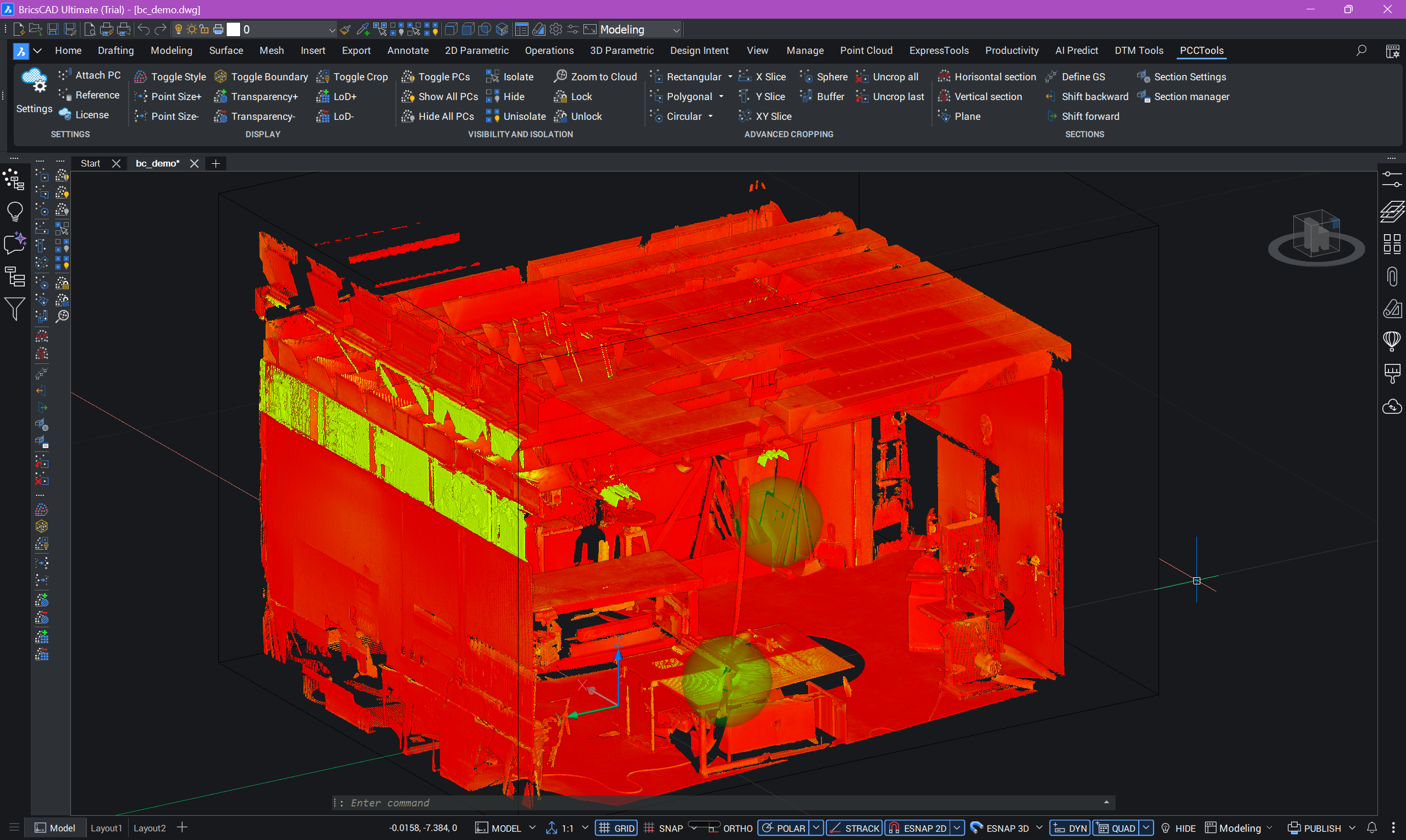
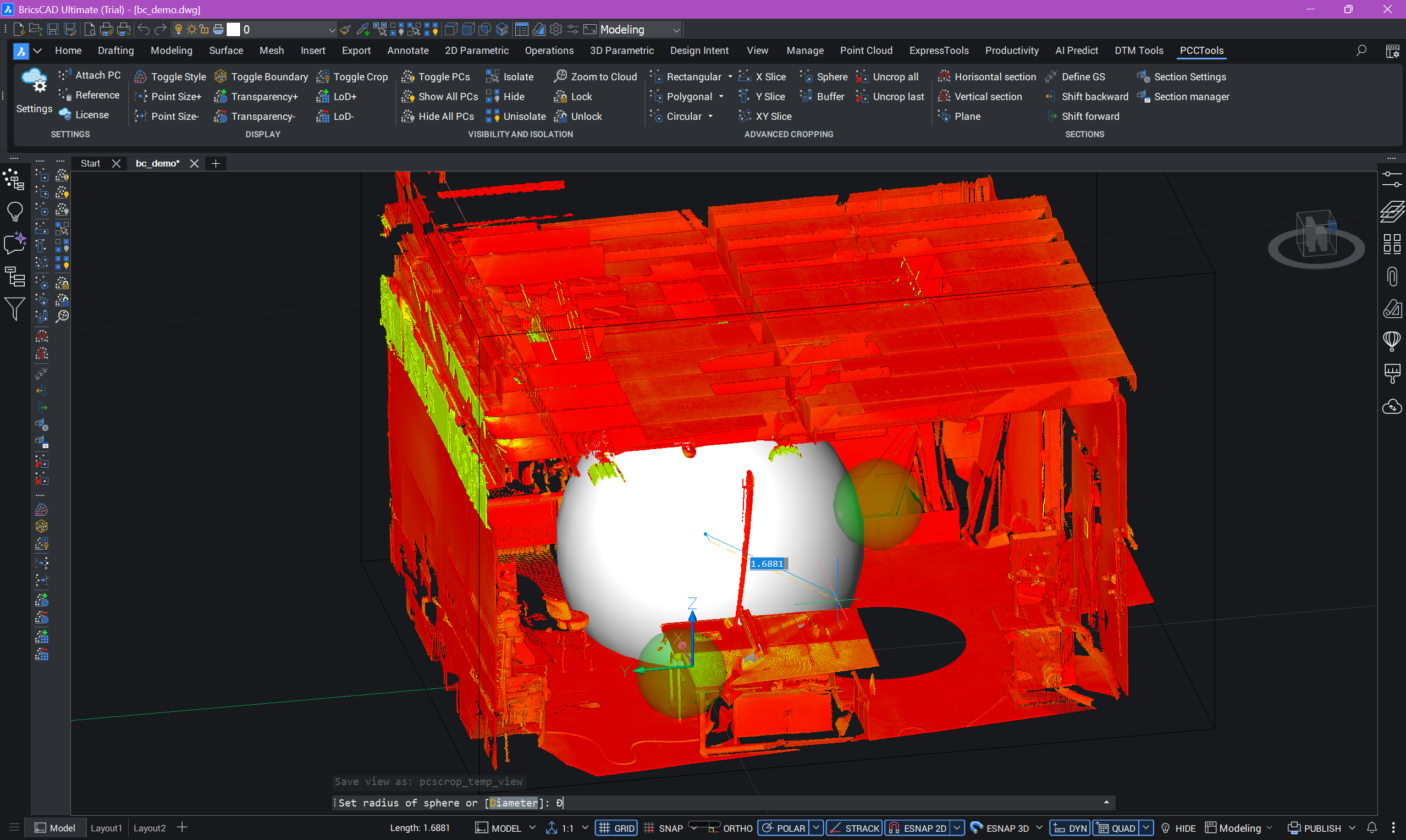
Use spherical, polygonal, rectangular, circular, buffer-corridor and slice crops for objects, irregular footprints, roads, pipes and plan slabs.
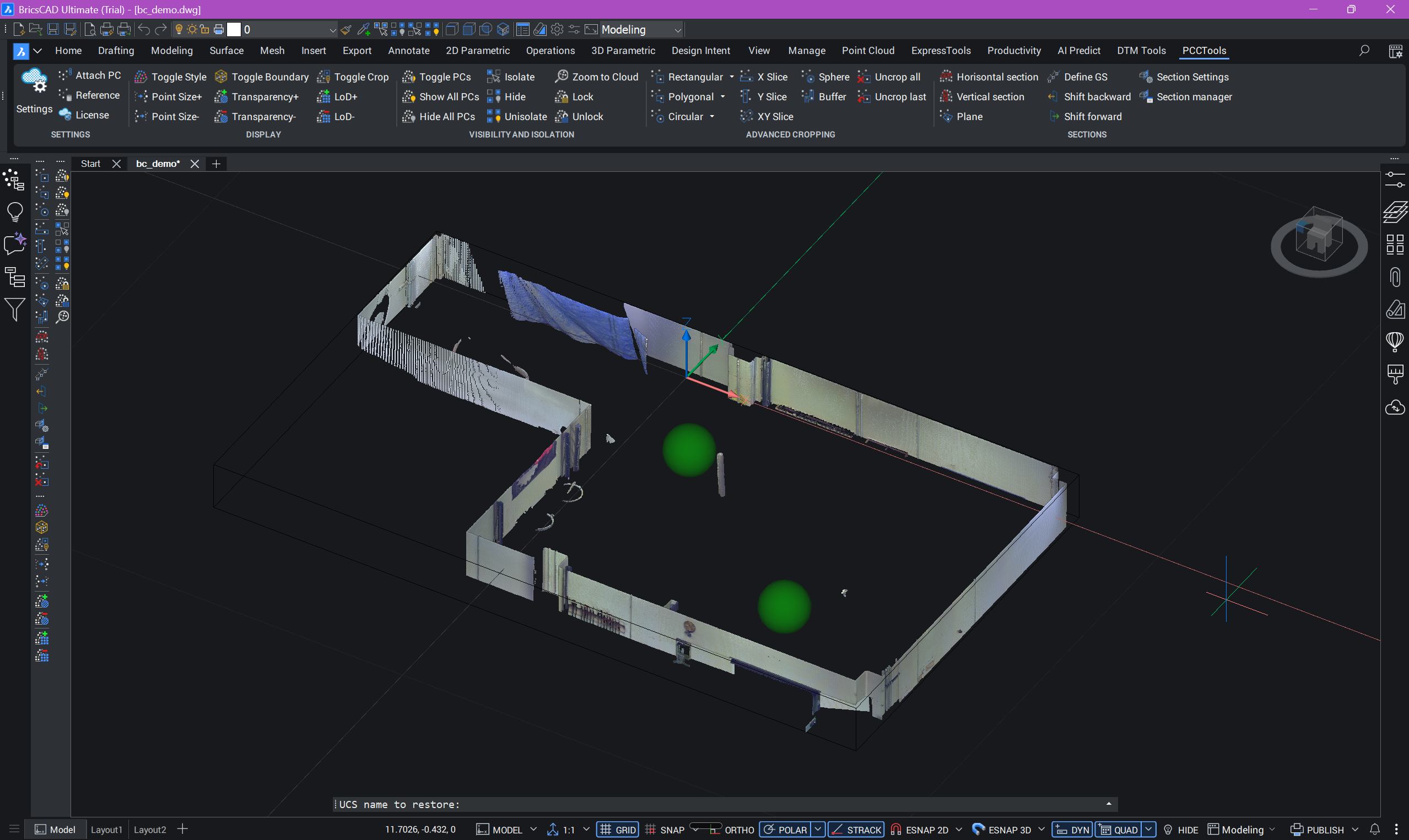
Cut floor-plan, ceiling, facade and elevation slabs with editable crop boxes, named section UCSs and step commands for moving through the cloud.
Create angled plane sections from three points, a 3D face or an automatically detected surface plane picked directly from the cloud.
Inspect one perpendicular station at a time, or keep an entire series of evenly spaced slabs visible along a road, channel, tunnel or other linear asset.
Use dockable panels to organise, apply, rename and audit crop states and sections. Restore a section crop together with its UCS, thickness, step and projection settings.
Hide, show, isolate, lock and unlock clouds, zoom to cloud extents, cycle point-cloud styles, adjust transparency, level of detail, point size and boundary display for clouds attached in BricsCAD.
A single stray drag can move a referenced cloud and quietly break alignment across an entire drawing. PCCTools lets you lock clouds in place so they stay put while you work around them — no more re-registering scans after a slip of the mouse.
Selecting the right points in a dense cloud is normally fiddly and slow. Smart, zoom-aware selection tools grab exactly the region you mean — across millions of points — so you spend time cropping, not wrestling with the pointer.
Crops stay pixel-accurate whether you're framing a whole site or trimming a doorway. Define your boundary once and it holds true as you zoom in to verify detail — no drift, no re-doing the cut.
Save, name and recall crop and section states as you explore a scan. Jump back to a previous view instantly and keep an organised set of states for every deliverable — instead of re-cropping from scratch.
Polygonal and multi-boundary cropping handle irregular footprints, curved facades and overlapping structures cleanly — so even awkward sites come out tidy and ready for the next step in CAD.
Version 3.0 is a major BricsCAD release for BricsCAD 2026. It closes most of the former feature gap with the AutoCAD edition by adding live interactive previews, multi-sections along an axis, a dockable Crop State Manager for coordinated scan views, and a dockable Section Manager that restores the crop, section parameters and UCS as one repeatable definition. Existing box, sphere, polygon, buffer, plane and guided-section workflows remain available.
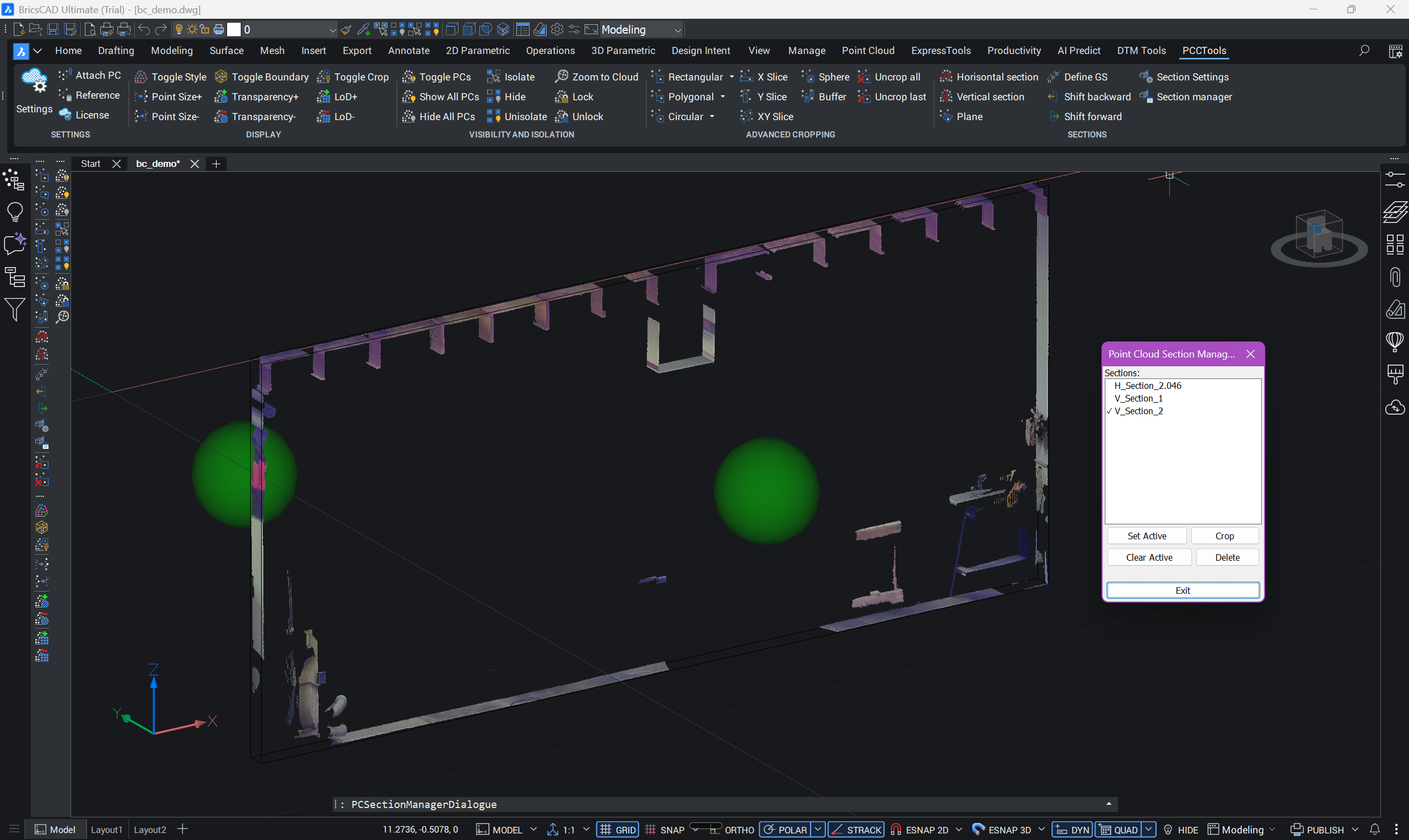
Expert articles for the shared PCCTools workflow in AutoCAD and BricsCAD, covering section design, state governance and quality control.
AutoCAD & BricsCADChoose station spacing, corridor width and slab thickness for comparable linear-asset sections.
Read technical article AutoCAD & BricsCADPreserve review context and coordinate named scan regions across multi-cloud drawings.
Read technical article AutoCAD & BricsCADControl section plane, crop, UCS, thickness and projection as one auditable definition.
Read technical articlePick the single-plugin plan for this workflow, or step up to the full CADTools Suite for access to the whole toolkit.
Focused access to this plugin when you only need one workflow.
Best value when this plugin is the main tool in your production workflow.
Add the rest of the CADTools ecosystem when your projects span several workflows.
The most complete option for teams moving between point clouds, terrain, BIM and modelling work.
PCCTools v3.0 for BricsCAD is available for BricsCAD 2026 on 64-bit Windows. Earlier BricsCAD releases require the compatible PCCTools v2 installer.
Version 3.0 brings the core advanced-cropping, multi-section, Crop State Manager and Section Manager workflows to BricsCAD 2026. The workflow and the related technical guides are now shared across AutoCAD and BricsCAD, with platform-specific differences called out only where they matter.
Every plan includes a 15-day free trial with the full feature set, no payment details required to start.
A single licence is for one seat. For multiple machines, floating access or volume deployment, contact us for network licensing options.
PCCTools applies point-cloud crop boundaries without deleting scan data. You can remove the last crop, uncrop everything, toggle crops on and off, or recall a named crop state.
Yes. The CADTools Suite includes PCCTools, DTMTools, 3DPTools and FPTools from €99 per month or €999 per year.
Questions about PCCTools or the wider suite? Send a message and we'll get back within one business day.