 DTM Tools · for AutoCAD terrain workflows
Turn raw point clouds into ground TINs, break-line-aware surfaces, contours, deviation heatmaps, ground profiles and draped CAD linework. The whole terrain workflow stays inside AutoCAD as native DWG geometry.
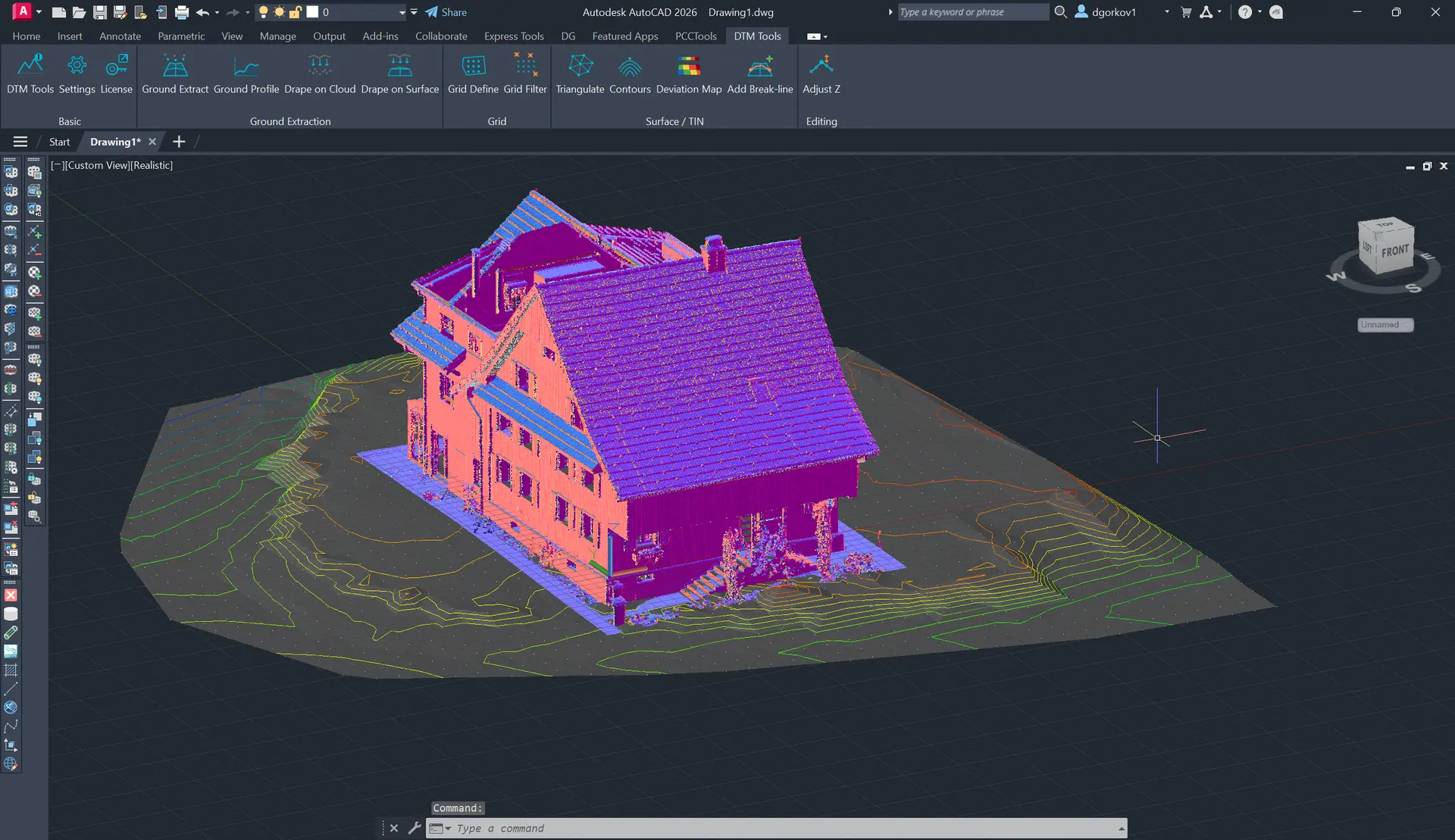
Extract a clean ground TIN from a cloud using grid sampling and robust bottom-point filtering to reject vehicles, vegetation and stray layers.
Build Delaunay TINs from points, lines, polylines and splines, then add break-lines later to re-triangulate an existing surface in place.
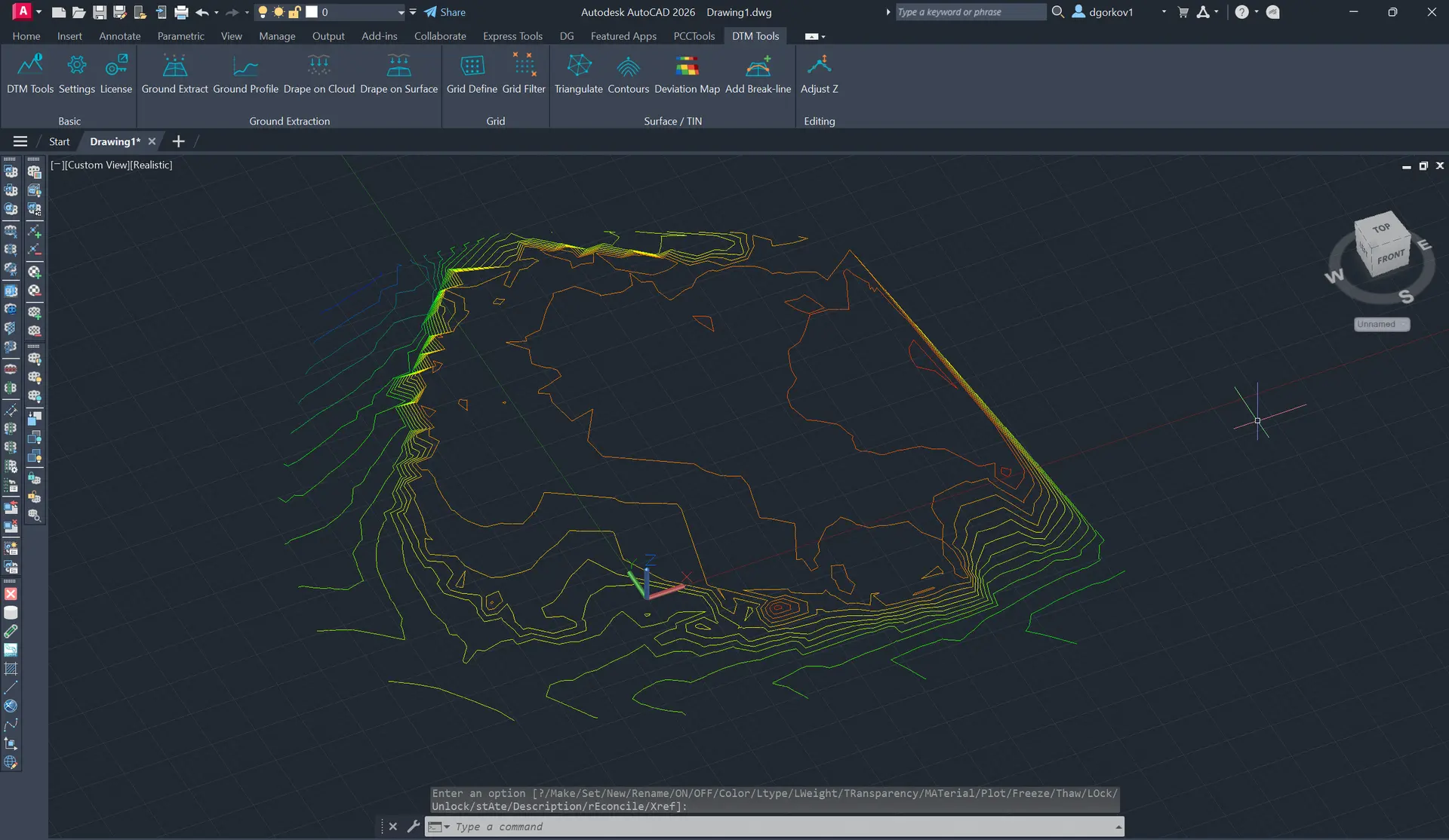
Generate editable 3D polylines from a TIN surface or XYZ objects, with interval control and optional colour-by-height output.
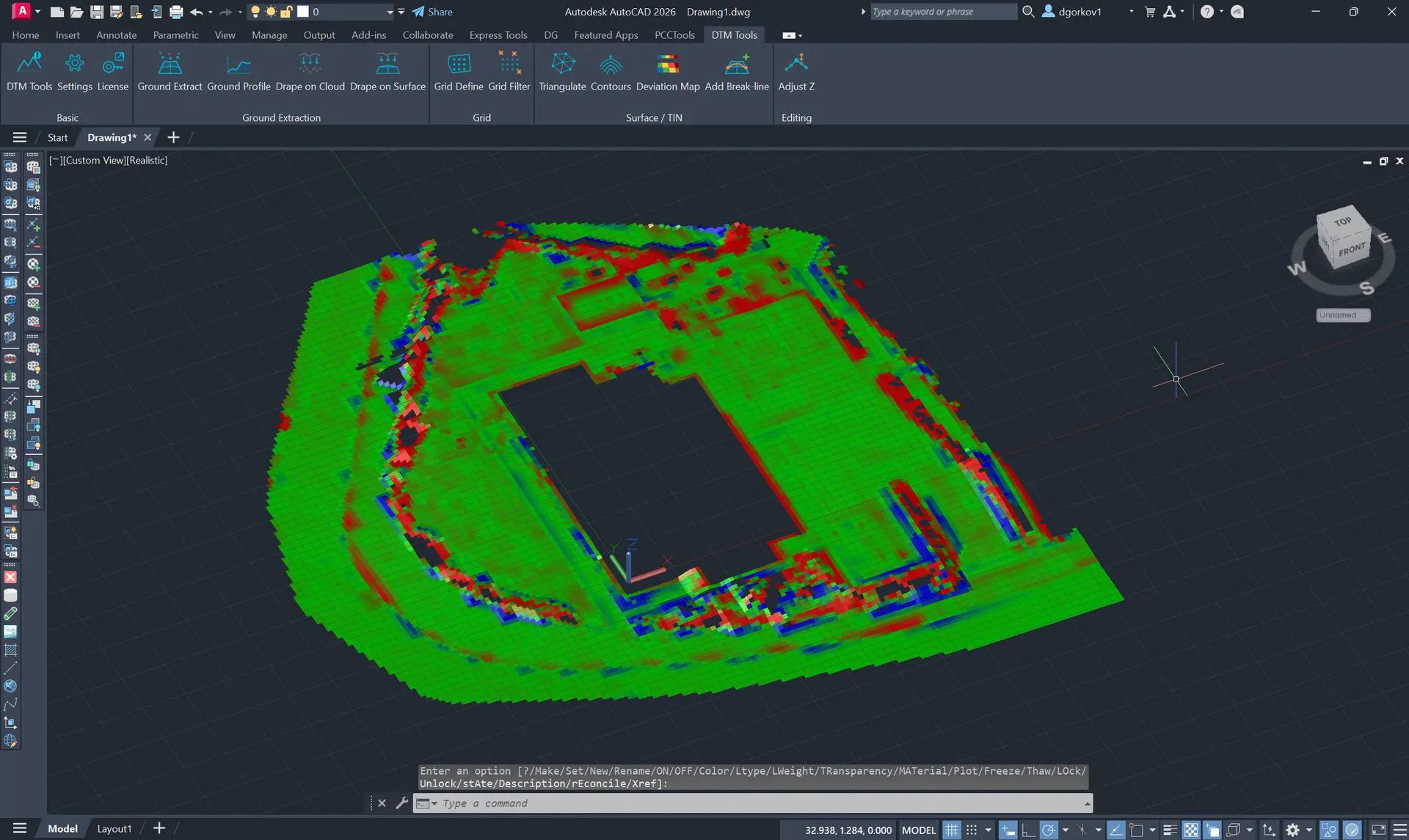
Compare a TIN to the source cloud with a gridded red-green-blue heatmap that highlights where the cloud sits above or below the model.
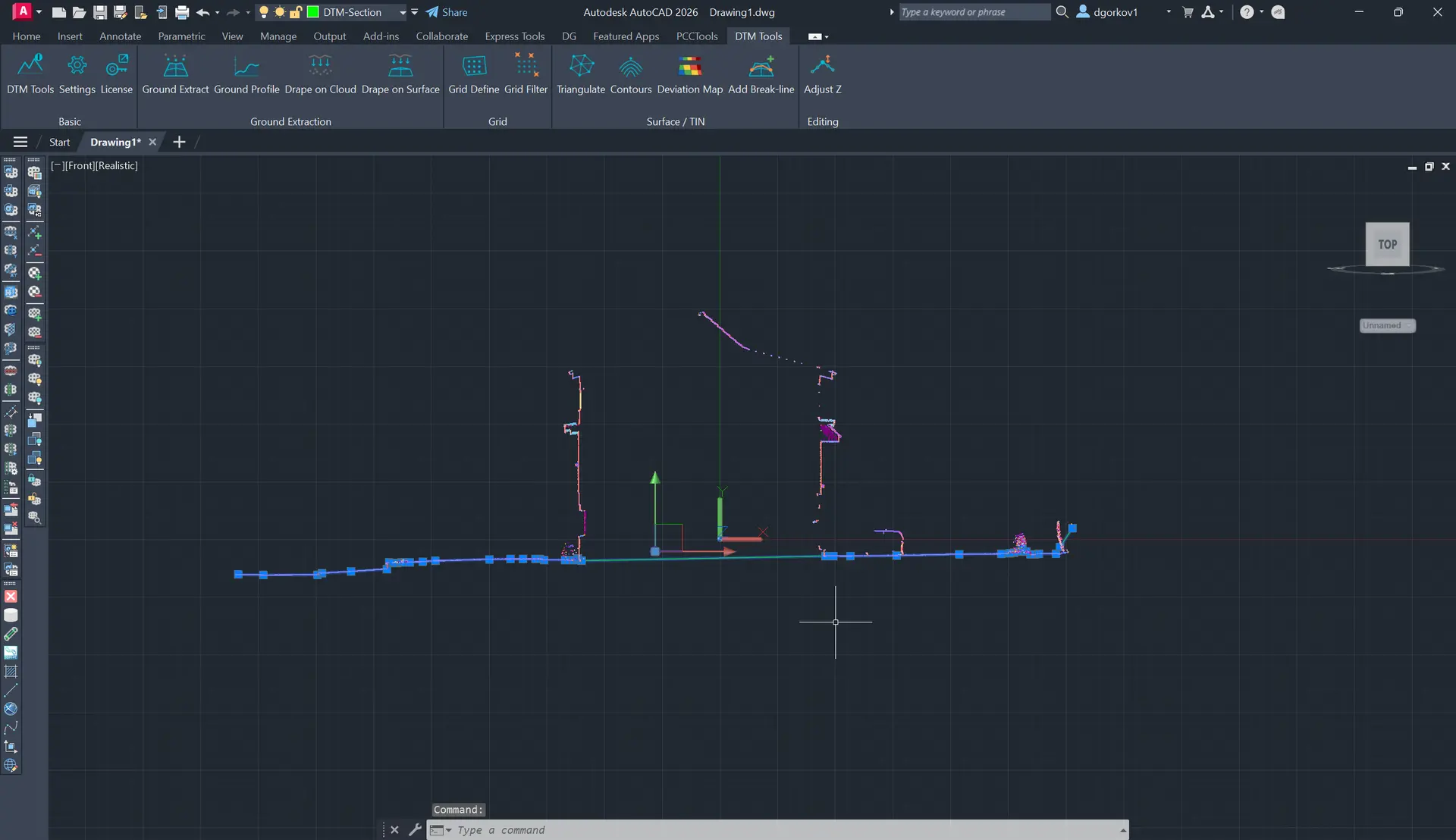
Slice a ground cross-section along a picked line, remove vertical clutter such as poles and trees, simplify vertices and draw the profile as a polyline.
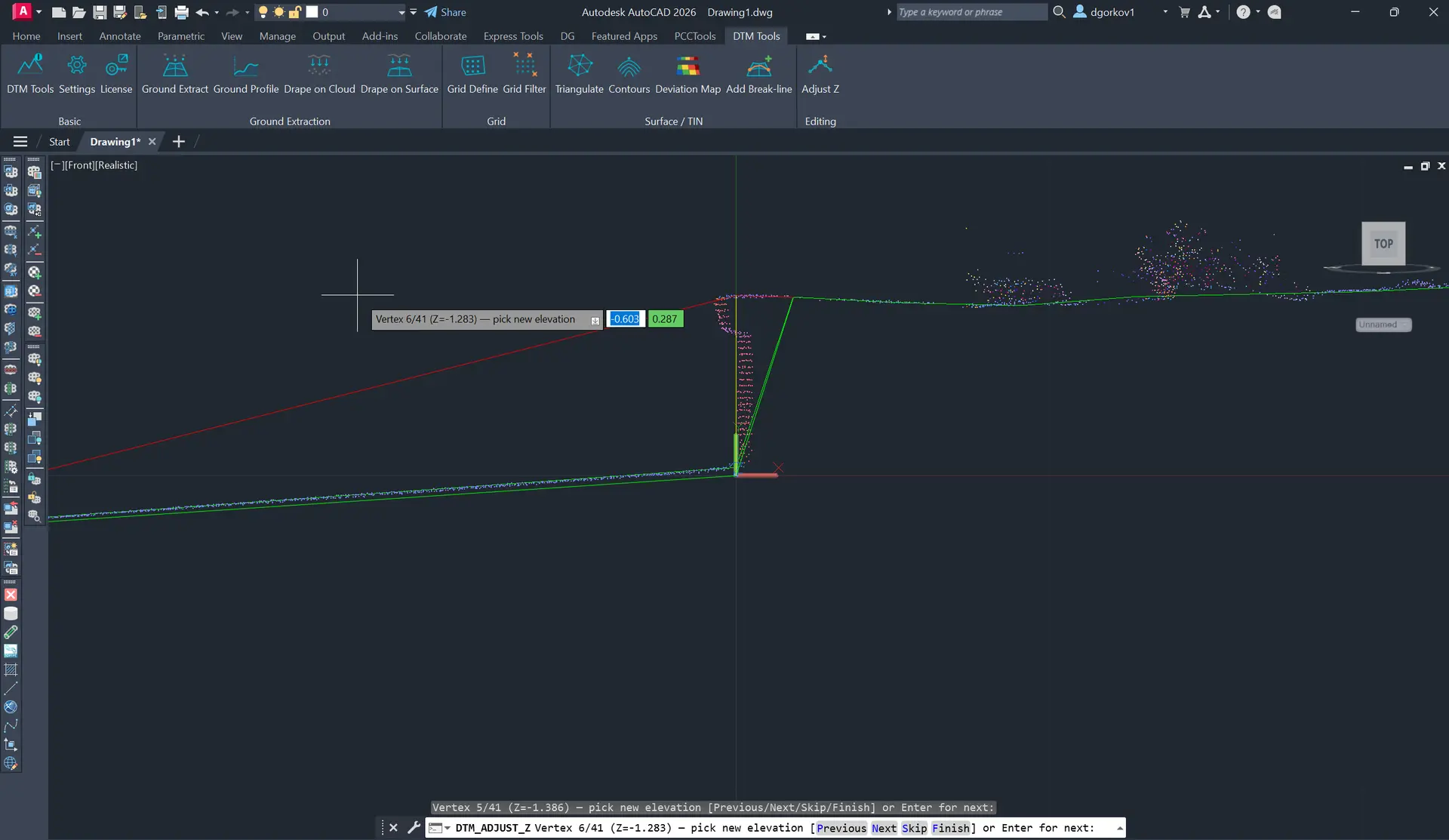
Drape points, blocks and linework onto a cloud or TIN, define regular sampling grids, filter outliers and fine-tune 3D polyline elevations in a profile view.
Go from a raw scan to a finished surface, contours and cross-sections without exporting to specialist software or re-importing results. Everything stays in your drawing as native DWG geometry.
Ground Extract pulls a clean terrain surface out of a messy scan — cars, vegetation and stray scan layers are removed without manual point classification, so you skip the tedious cleanup entirely.
Build TINs that honour curbs, channels and ridges as true break-lines — and insert a new break-line into an existing surface to re-triangulate in place. The result holds up to engineering scrutiny.
Contours, cross-sections and surfaces come out as 3D faces and polylines you can label, plot and edit like any other CAD content — ready to hand off, no conversion needed.
The Deviation Map gives you a clear colour heatmap of how closely a surface matches the source scan — so you catch problem areas instantly instead of discovering them downstream.
A full terrain workflow in one plugin — from raw cloud to surface, contours, profiles and QA. Output is native DWG geometry you can edit like any CAD content.
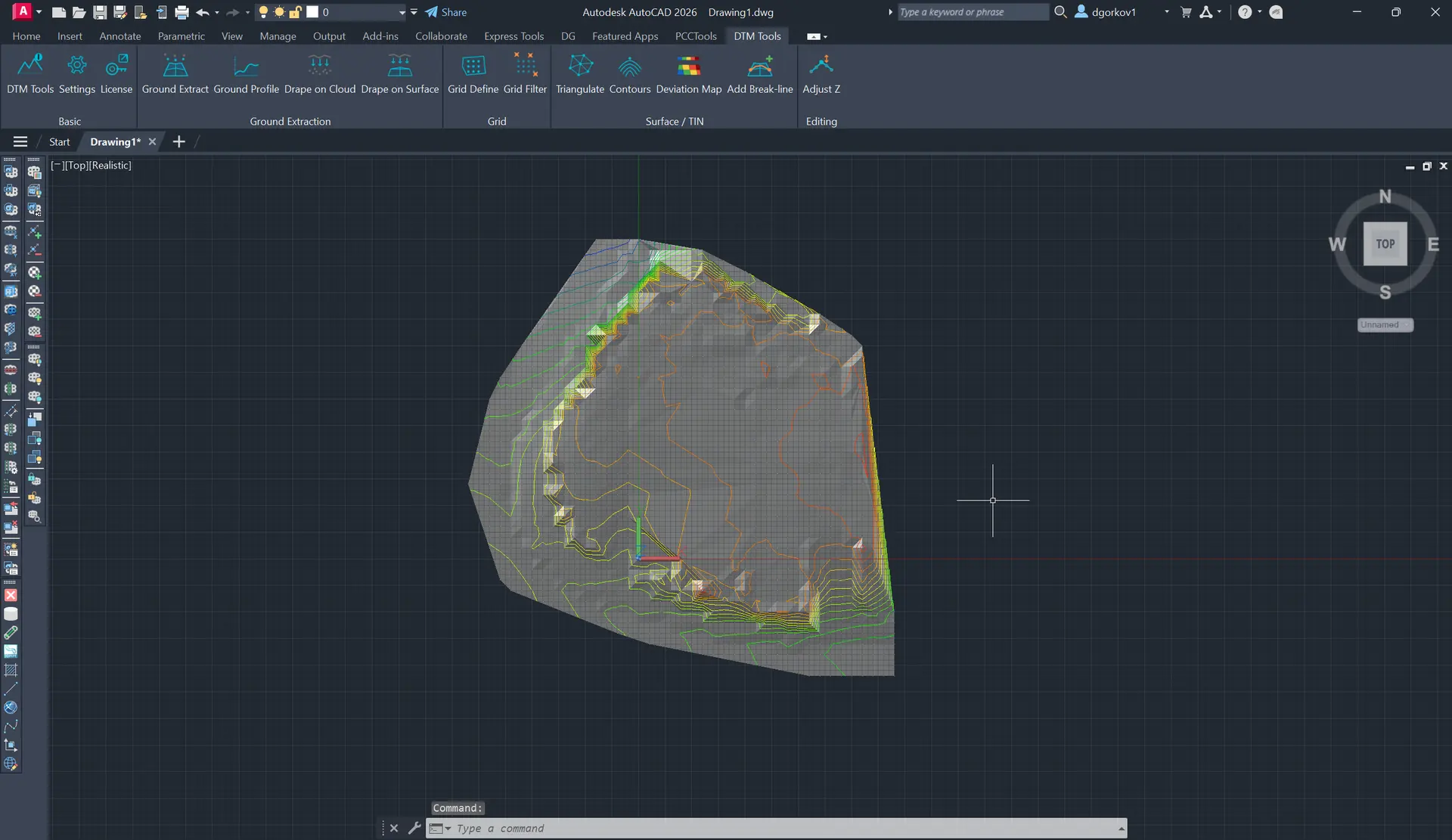
Build, inspect and quantify terrain with repeatable AutoCAD workflows.
DTM Tools guideCreate an unstructured terrain surface from raw point-cloud data.
Read guide DTM Tools guideDrape terrain features and correct elevations in profile.
Read guide DTM Tools guideBuild a controlled terrain using breaklines and gridded points.
Read guide DTM Tools guideGenerate native 3D polylines at a controlled interval.
Read guide DTM Tools guideCompare the terrain model with the point cloud.
Read guide DTM Tools guideSurface and datum comparisons with colour-mapped results.
Read guidePick the single-plugin plan for this workflow, or step up to the full CADTools Suite for access to the whole toolkit.
Focused access to this plugin when you only need one workflow.
Best value when this plugin is the main tool in your production workflow.
Add the rest of the CADTools ecosystem when your projects span several workflows.
The most complete option for teams moving between point clouds, terrain, BIM and modelling work.
DTM Tools runs on AutoCAD and AutoCAD Civil 3D (and other AutoCAD verticals), versions 2019-2027, on 64-bit Windows. A 15-day free trial is included.
Everything is native DWG geometry — 3D faces and polylines you can label, plot and edit like any other CAD content. No proprietary surface formats.
No. Ground Extract removes cars, vegetation and stray scan layers automatically, so you don't have to manually classify points before building a surface.
Yes — DTM Tools works on any point cloud attached in AutoCAD, and pairs naturally with PCCTools for cropping and cleanup beforehand.
Absolutely. Insert a break-line into an existing surface to re-triangulate in place, or use Adjust Z to edit polyline vertex elevations interactively in a profile view.
Yes. The CADTools Suite includes DTMTools, PCCTools, 3DPTools and FPTools from €99 per month or €999 per year.
Questions about DTM Tools or the wider suite? Send a message and we'll get back within one business day.